
Connect your Facebook Page (Messenger)
Messages people send to your Facebook Page arrive in your inbox and your team replies from there. About 3 minutes.
Before you start
- A plan or the free trial is active.
- You are an admin of the Facebook Page.
1.Open Settings → Channels → Facebook Page
Expand Facebook Page. Only the Page you pick is connected.
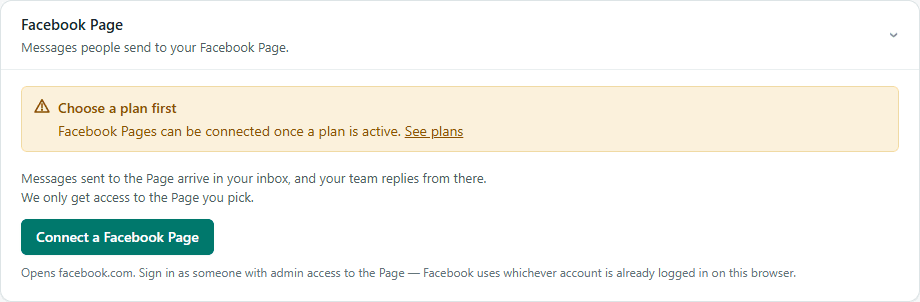
2.Press “Connect a Facebook Page”
Facebook opens. Sign in as someone with admin access to the Page (Facebook uses whichever account is already logged in on this browser) and choose the Page.
3.Send a test message
Message the Page from another Facebook account — it arrives in Inbox.