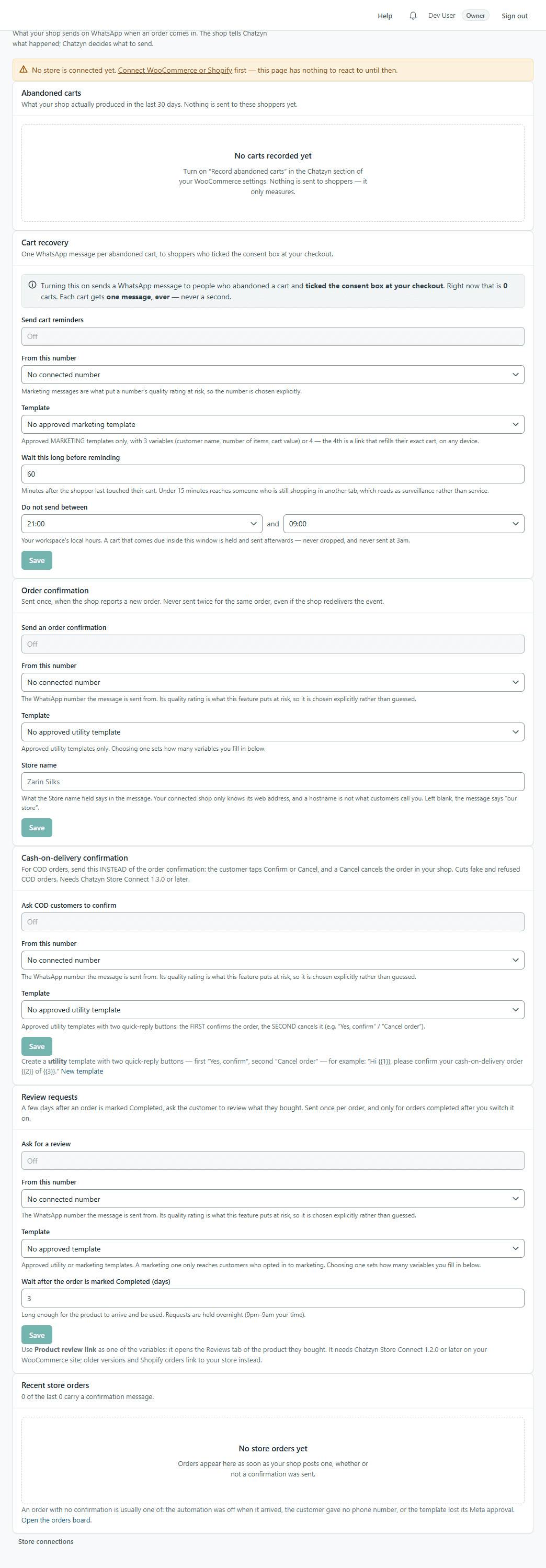
Connect your WooCommerce store
Order confirmations, cash-on-delivery confirmation, abandoned-cart recovery and review requests on WhatsApp — from your WooCommerce shop. About 10 minutes.
1.Download the plugin
Settings → Integrations → WooCommerce → “Download plugin”. In WordPress: Plugins → Add New → Upload Plugin, choose the file, Install, Activate.
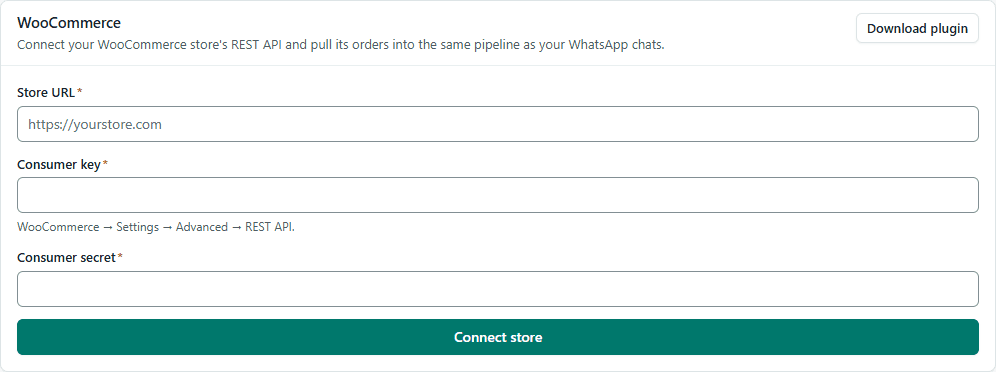
2.Connect the store and paste the two values
Connect the store on the same card, then copy the Webhook URL and the signing secret into WooCommerce → Settings → Chatzyn. Turn on “Record abandoned carts” if you want cart recovery.
3.Switch on what to send
Commerce → Store automations: order confirmation, cash-on-delivery confirmation (two buttons: confirm, cancel), cart recovery and review requests. Each needs an approved template — the card tells you which kind.