
Create your first WhatsApp template
Templates are the messages you may send first — confirmations, reminders, offers. Meta reviews each one, usually within minutes. About 5 minutes.
1.Open Settings → Templates
Here you see every template and Meta's decision on it: approved, pending or rejected.
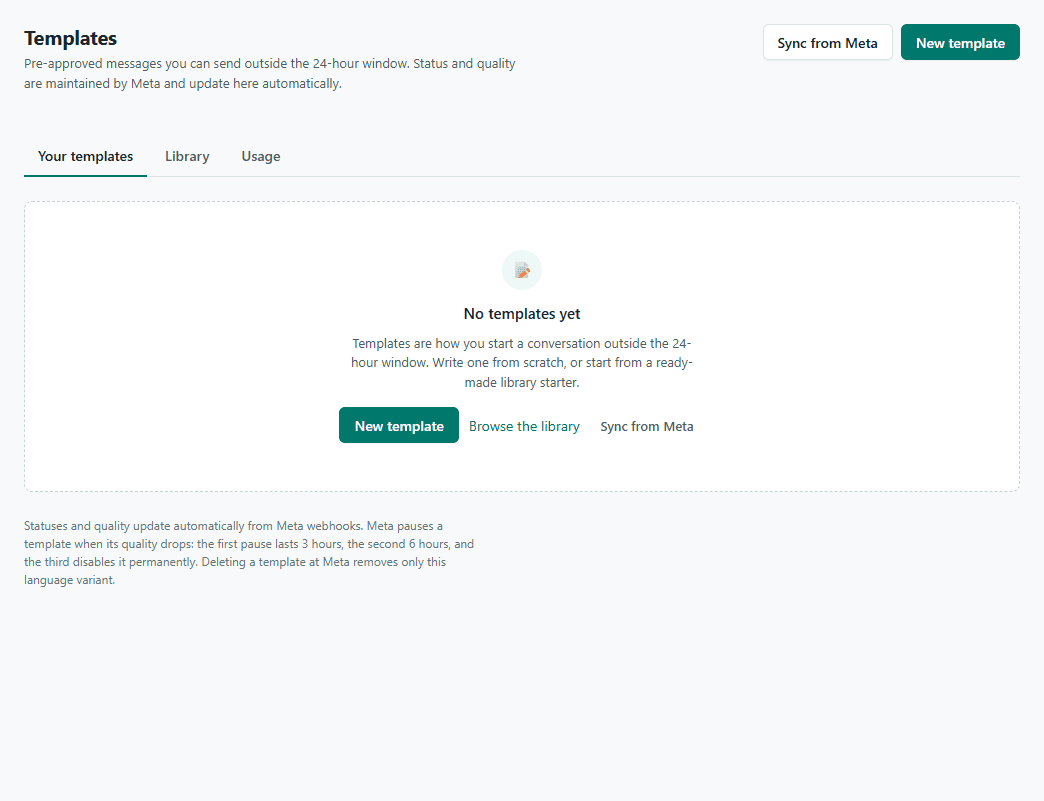
2.Create a template
Pick the WhatsApp account, a lowercase name (order_update), the language and the category: Utility for order and account updates, Marketing for offers, Authentication for codes. Write the body with variables like {{1}} and give a sample for each — Meta reviews with the samples.
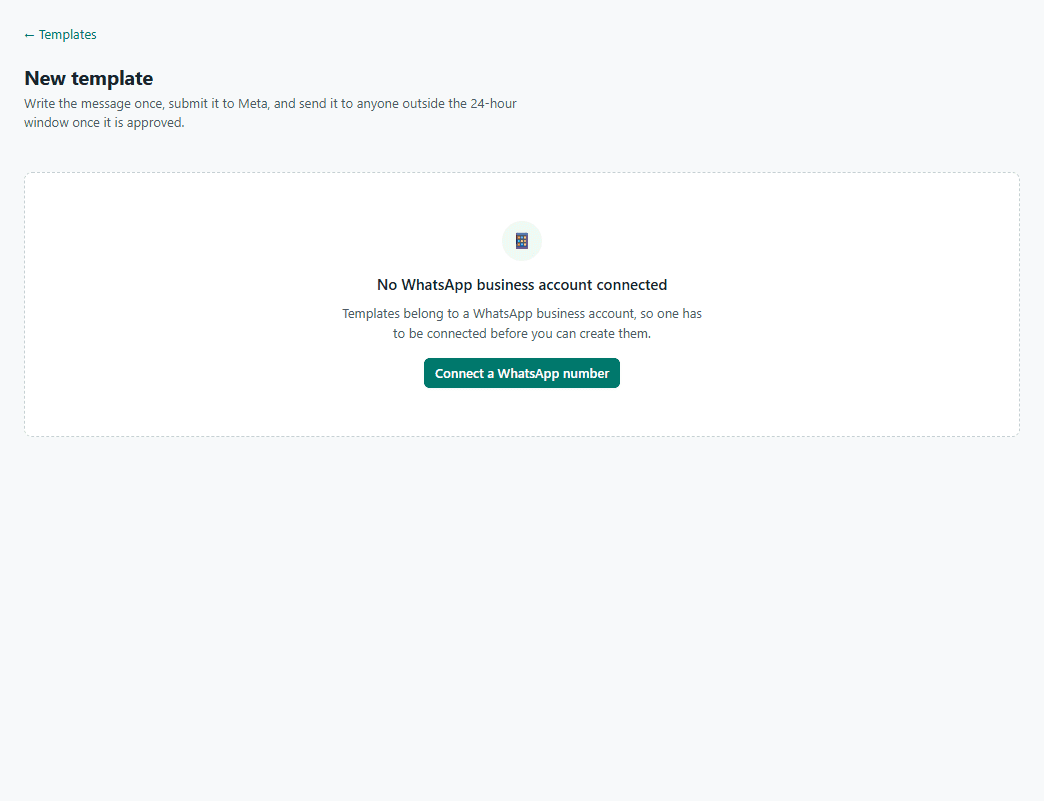
3.Submit and wait for Meta
It shows as pending, then approved — usually minutes, sometimes up to a day. Once approved, use it in Campaigns, Flows and Store automations.